Table of Contents(5 sections)
Evidence status: researched
This article uses vehicle-manufacturer cleaning instructions. It is not a coating-durability test, and instructions for one display should not be treated as universal.
Start With the Display, Not a Household Cleaner
A dashboard display can have a factory finish or an aftermarket protector whose care directions differ from window glass. The useful first step is identifying the exact vehicle and checking its manual. Tesla's Model Y instructions call for a soft cloth designed for monitors and displays and explicitly rule out several common cleaning products. Volvo provides separate center-display instructions in its owner documentation as well.
Household glass cleaner belongs on compatible glass, not automatically on a bonded display. Spraying toward the dashboard also creates an avoidable problem: liquid can reach seams, switches, microphones, or trim that were never meant to be wet.
| Item | Use it for | Important limit |
|---|---|---|
| Vehicle cleaning mode | Preventing accidental inputs while wiping | Availability and activation differ by vehicle |
| Soft lint-free display cloth | Removing dust and fingerprints with light contact | A dirty cloth can carry grit back onto the surface |
| Manual-approved cleaner, if needed | Residue that dry wiping does not remove | Use only the specified product and application method |
| Aftermarket protector instructions | Caring for an added film or coating | The protector maker's directions may be the relevant ones |
A Low-Moisture Cleaning Routine
Clean a car touchscreen with minimal moisture
4 stepsPark and disable inputs
Park safely and use the display-cleaning mode or shutdown procedure described for the vehicle. Do not clean a screen while trying to drive.
Inspect the cloth
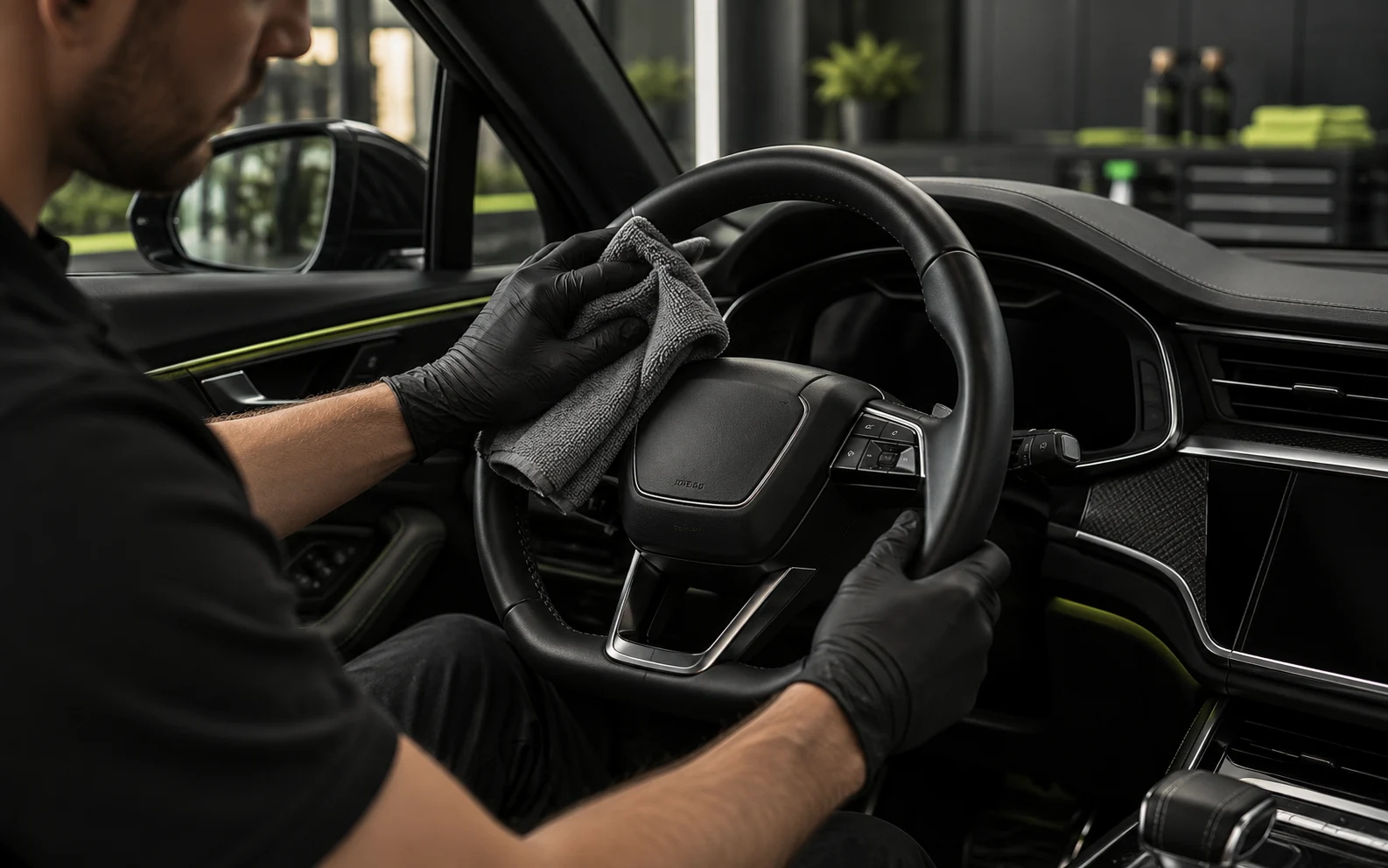
Use a clean, soft, lint-free display cloth with no embedded grit, tags, or rough stitching.
Wipe lightly
Use gentle passes rather than scrubbing a stubborn spot. Keep pressure away from the bezel and nearby controls.
Address residue only as directed
If the manual permits a specific cleaner or lightly dampened cloth, apply it by that method rather than spraying the display. Dry any permitted moisture promptly.
Why Are Streaks Still Visible?
Streaks can be cleaner residue, skin oil smeared by an overloaded cloth, or lint from an unsuitable fabric. Stop adding product and reassess with a fresh cloth. If a mark remains after approved cleaning, consider damage to a protector or the display finish rather than escalating to abrasives or stronger solvents.
- Do not use a dry statically charged cloth where the manufacturer prohibits it.
- Do not let liquid collect around the edges or run into dashboard controls.
- Do not polish a scratched screen with an abrasive compound.
- Do not assume a cleaner safe for side windows is safe for an infotainment display.
When to Stop Cleaning
Stop if the surface becomes cloudy, a coating lifts, or liquid enters the bezel. Those are inspection and repair issues, not reasons for another aggressive pass. For general interior work, keep display cloths separate from towels used on greasy controls and door panels.
Straight answers
Frequently Asked Questions
Answers based on the evidence and sources identified in this article.
Can I use alcohol wipes on a car touchscreen?
Not by default. Tesla specifically says not to use alcohol gel or wet wipes on its display. Follow the exact vehicle or screen-protector instructions instead of applying a general phone-cleaning habit.
Can I spray screen cleaner onto a microfiber cloth?
Only if the vehicle or protector instructions permit that cleaner and method. A cloth is a safer application route than spraying the dashboard, but it does not make an incompatible chemical suitable.
Why should I activate Screen Clean Mode?
On vehicles that provide it, the mode prevents accidental touches while you wipe. It is a convenience and control feature, not a substitute for compatible cleaning materials.
Where to buy
Recommended Gear in this Guide
Active 2.0 1800 PSI 2.0 GPM Pressure Washer
Our lab-tested standard for safe automotive flow and pressure.
DetailRig is reader-supported. Recommendations follow each page's evidence label (tested, used, or researched), and we never accept paid placement. When you buy through our links, we may earn an affiliate commission at no extra cost to you.
References & Sources

DetailRig Editorial
ContributorResearch publication
DetailRig Editorial publishes source-linked car-care explainers. These articles synthesize manufacturer instructions and clearly separate research from documented hands-on testing.